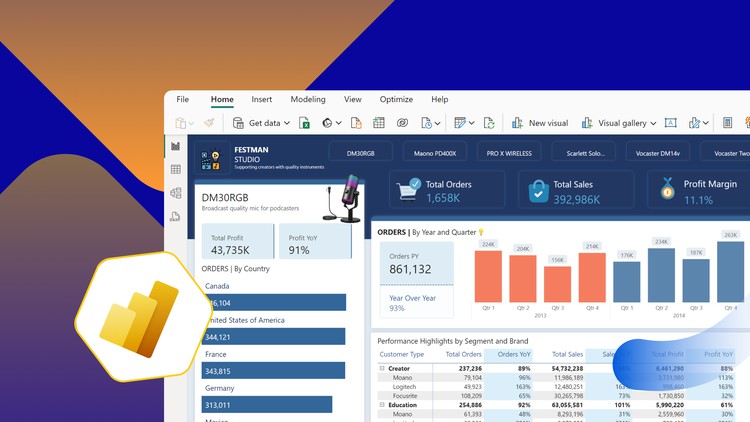
Design modern UX Dashboard with Microsoft Power BI

- Description
- Curriculum
- FAQ
- Reviews
Course Overview
Welcome to this end-to-end Power BI dashboard design course. In this course, you’ll step into the role of a business intelligence analyst for Festman Studio, a global company that provides premium recording equipment for content creators.
Throughout this course, you’ll have the opportunity to develop your design and Power BI skills as you help Festman Studio management harness the power of Microsoft Power BI to transform their raw data into actionable insights.
Project Background
You have been employed as a Business Intelligence Developer at Festman Studio and your role is to harness the power of Microsoft Power BI to transform raw data into actionable insights. You will design compelling visualizations and comprehensive reports that guide decision-makers in steering Festman Studio toward sustained success.
Task
- Import the two tables into Power BI.
- Profile and transform the data to ensure the data is clean and accurate
- Analyze the data using DAX to calculate some key metrics.
- Visualize the data to bring your insights to life.
- Design a dynamic and interactive dashboard to summarize your insights.
Learning Objectives
By the end of this course, you will be able to:
- Import, clean, and transform data in Power BI
- Analyze data using DAX to calculate key metrics
- Create compelling visualizations using Power BI’s visualization tools
- Design and implement interactive Power BI dashboards